Case study · Away.ai
Away.ai Design System
Building a design system for AI travel assistant
Client is Away.aiIndustry is Travel · AI travel assistantTimeline is Jan – Apr 2026
Building a design system for AI travel assistant
- Design systems
- Design tokens
- UI design
- Components
- Motion

Away.ai — Design System
Away.ai is an AI travel assistant that helps you plan and book trips without opening twenty tabs. Simply tell it what you want, just like texting a friend, and Away.ai finds, matches, and books the right trip for you.

Building a design system from scratch
I worked on creating a design system to support Away.ai’s AI-powered travel experience. While we had existing brand guidelines, they weren’t fully optimised for digital products, so the challenge was to translate the brand into a consistent, scalable, and functional UI system.
I established the core foundations, defining typography, colour, spacing, and shape usage to create a cohesive visual language. Designed for a dark UI, the system needed to balance visual clarity, readability, and consistency across the product experience.


Primitives and semantic tokens
I structured the system around primitives and semantic tokens, separating raw design values from their contextual application in the interface.


Components
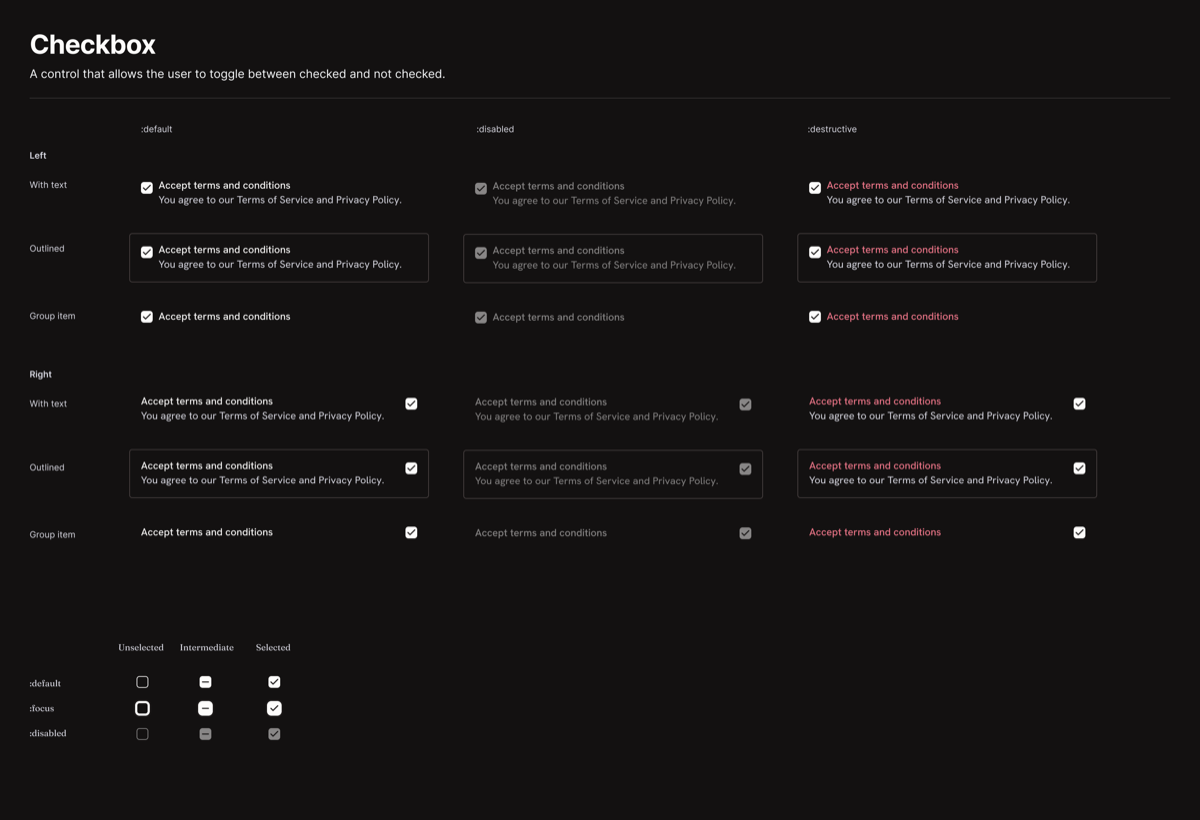
On top of these foundations, I built the major components used across the product.

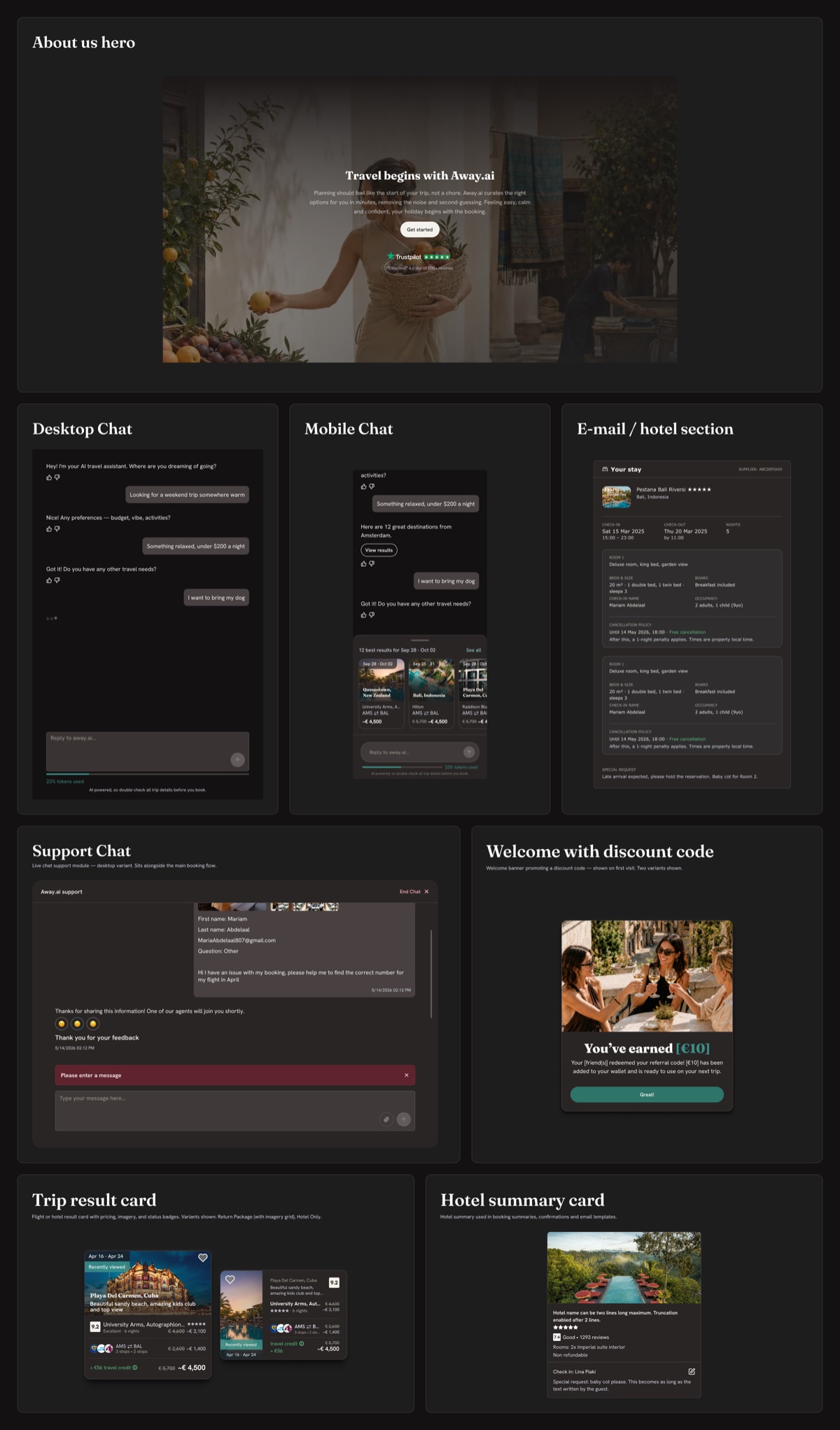

The system in the product


Result
The result was a solid design foundation that brought consistency to the interface and created a scalable starting point for the product’s future development.